
What is the difference between LinkedIn Public Profiles vs LinkedIn Private Profiles? (With Python code samples)
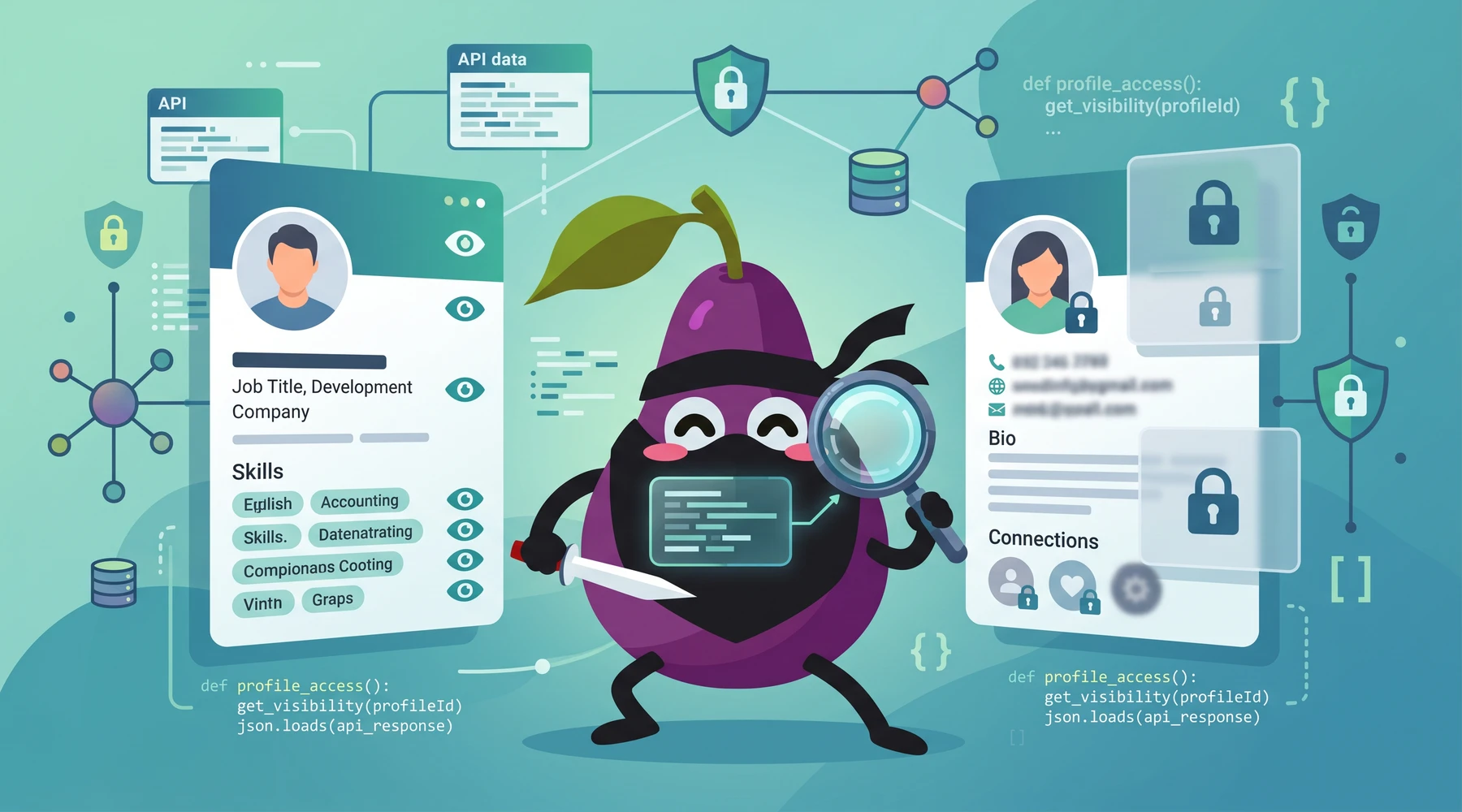
In a nutshell, LinkedIn public profiles are profiles that anyone can view without being logged into LinkedIn. LinkedIn private profiles are the profiles you see when you are logged into LinkedIn. Public LinkedIn profiles have less information. This article breaks down what is missing, what is different, and a few practical workarounds for the common limitations of LinkedIn public profiles.
This was frustrating me so much. I just want to see what others are seeing, it shouldn't be so hard.
LinkedIn public profiles vs private profiles
| Public LinkedIn Profiles | Private LinkedIn Profiles |
|---|---|
| No skills information | Has skills information |
| Has language, but no language proficiency | Has language, and proficiency |
| No connection count | Has total connection count |
| Does not have contact information, social media, and websites | Has contact information, social media, and websites if you are a first-level connection and the profile owner has added them |
| Limited to 10 work experiences | Work experiences are not limited |
| Not every profile has a public profile, approximately 5% of LinkedIn profiles do not have public profiles | You still cannot visit every private profile unless you are within 2nd-degree connections, which I might argue is worse than public profiles |
| Profile pictures might be hidden due to privacy settings | Profile pictures are available as long as you are within two degrees of connection |
| Some parts of the public profile might be hidden, such as experience, education, and summary | Full profile is available as long as you are within two degrees of connection |
| Activities shown on a public profile are limited to articles posted and summaries of the user's activities such as likes. There are also no timestamps for public activities | Activities shown on a private profile show the full activity, such as the actual content, comments, and timestamps |
| Can be scraped. Legal precedent has been tested in court. See Is scraping LinkedIn legal in 2026? | Cannot be scraped safely. Vendors scraping private LinkedIn profiles have faced lawsuits and fraud allegations |
That table is still the core distinction.
The practical version is simpler: public LinkedIn profiles are for visibility, private LinkedIn profiles are for logged-in product use. If you are building a product, enrichment workflow, or internal dataset, that distinction matters a lot because the fields you lose are not random. They are usually the fields product teams care about most.
Addressing public profile limitations
Back when I was running Proxycurl, users asked me the same three questions over and over when they hit the ceiling of LinkedIn public profiles:
- How do I fetch skills?
- How do I fetch contact information?
- How do I fetch social media profiles?
That part of the problem has not changed. What has changed is the product landscape.
Important update: Proxycurl API has been sunset. I am the founder behind Proxycurl, and I now work on NinjaPear. I am retaining the original Proxycurl examples in this article because they are still useful for understanding the shape of the problem and the old workflow. But if you are building something new in 2026, use NinjaPear instead where it fits. NinjaPear does not scrape LinkedIn and gives you richer B2B data with none of the legal liability.
Fetch skills from public LinkedIn profiles
Proxycurl API could append skills data to public LinkedIn profiles with the skills=include parameter. These data were sourced externally via public datasets. So the skill data returned would not necessarily match the skills listed on the user's private LinkedIn profile, but it was a decent approximation.
In this Python code example, the original approach used Proxycurl's Person Profile Endpoint:
from pprint import pprint
import requests

API_KEY = 'YOUR-API-KEY-HERE'
HEADER = {'Authorization': 'Bearer ' + API_KEY}

response = requests.get(
    'https://nubela.co/proxycurl/api/v2/linkedin',
    params={
        "url": "https://www.linkedin.com/in/siow-shi-jia-450917144/",
        "skills": "include",
    },
    headers=HEADER,
)
pprint(response.json())
This is how the response with skills looked:
{
   ...
   "skills":[
      "adobe photoshop",
      "css",
      "html5",
      "javascript",
      "php"
   ],
   ...
}
If you are building this today, NinjaPear takes a different route. Instead of scraping LinkedIn and then patching gaps, the Employee API aggregates publicly sourced person data from the wider web. You can get a structured profile from a work email, a first_name + last_name + employer_website, or an employer_website + role input.
Example with NinjaPear's Person Profile Endpoint:
import ninjapear

configuration = ninjapear.Configuration(
    host="https://nubela.co",
    access_token="YOUR_API_KEY"
)

with ninjapear.ApiClient(configuration) as api_client:
    api = ninjapear.EmployeeAPIApi(api_client)
    response = api.get_employee_profile(
        employer_website="stripe.com",
        role="cto"
    )
    print(response)
Different input shape. Better legal posture. In many cases, better data too, because the web is often richer than a single LinkedIn page if you know how to resolve identity correctly.
Still didn’t work. I had them applied to my education and just now went in and applied a few to experience and the section still doesn’t show up
That complaint is exactly why teams kept looking for enrichment in the first place.
Fetch contact information from public LinkedIn profiles
Proxycurl API could append:
- personal mobile numbers,
- personal emails, and
- work emails
for hundreds of millions of profiles associated with LinkedIn identities.
The reason this was possible is straightforward: contact data does not need to come from LinkedIn. In practice, it is often better when it does not. You correlate a LinkedIn identity with public web sources, company websites, filings, directories, and other sources of evidence.
If you are doing this now, NinjaPear has a cleaner replacement path. Use the Employee API work-email endpoint for work email lookup, then enrich the person profile from the email once you have it.
Python example with NinjaPear:
import ninjapear

configuration = ninjapear.Configuration(
    host="https://nubela.co",
    access_token="YOUR_API_KEY"
)

with ninjapear.ApiClient(configuration) as api_client:
    api = ninjapear.EmployeeAPIApi(api_client)

    email_result = api.get_employee_work_email(
        first_name="Patrick",
        last_name="Collison",
        domain="stripe.com"
    )
    print(email_result)
The current economics are also simple enough to reason about. Per NinjaPear pricing:
GET /api/v1/employee/work-email: 2 credits when found, 0.5 credit on missGET /api/v1/employee/profile: 3 credits per call
That is a much cleaner buying decision than standing up your own scraping stack, burning money on proxies, and then discovering your legal team hates you.
Get social media profiles from LinkedIn identities
Like contact information, Proxycurl API could pair public LinkedIn profiles with Facebook, X, and GitHub profile IDs using the extra=include parameter.
That worked because identity resolution is an internet problem, not a LinkedIn-only problem.
If you are moving this workflow to NinjaPear, the better framing is not, "How do I pull social handles from LinkedIn?" It is, "How do I build a person record from public sources that includes social presence when available?" NinjaPear's Person Profile response can include fields like x_handle, x_profile_url, and personal_website when publicly resolvable.
Python example:
import ninjapear

configuration = ninjapear.Configuration(
    host="https://nubela.co",
    access_token="YOUR_API_KEY"
)

with ninjapear.ApiClient(configuration) as api_client:
    api = ninjapear.EmployeeAPIApi(api_client)
    profile = api.get_employee_profile(
        work_email="[email protected]"
    )
    print(profile)
This is not a one-to-one drop-in for old Proxycurl parameters, and I do not want to pretend it is. Instead, it is a better architecture if your goal is production-grade people data without LinkedIn liability.
Scraping public LinkedIn profiles
A lot of readers land on this article because they want to scrape LinkedIn profiles for commercial or research purposes. That is still the single biggest difference between public and private LinkedIn profiles.
Scraping public LinkedIn profiles sits in a very different bucket from scraping private LinkedIn profiles. Public scraping has had legal issues tested in court. Private scraping is where the nastier risk tends to show up, especially when vendors rely on logged-in sessions, fake accounts, browser automation, or other behavior that looks a lot worse under scrutiny.
If you want the current legal framing, read Is scraping LinkedIn legal in 2026?.
My practical opinion is boring, but useful: if your workflow depends on logged-in LinkedIn access, you are taking on more operational and legal risk than most teams realize at the start.
It is tough to scrape public LinkedIn profiles
Once you decide to ingest public LinkedIn profiles for your use case, you learn very quickly that the hard part is not the HTTP request. The hard part is everything around it.
You need:
- fresh residential proxies,
- anti-bot evasion,
- retry and backoff logic,
- identity deduplication,
- parsers that survive frontend changes,
- and a tolerance for constant breakage.
That stack is expensive. It is also a terrible use of engineering time unless scraping infrastructure is literally your business.
The old Proxycurl answer to this was to sell the enriched profile API so you did not have to build the scraping team yourself.
The 2026 NinjaPear answer is different. We do not scrape LinkedIn at all. Instead, we provide people and company data from public web sources through APIs that are shaped for the same kinds of downstream workflows.
Relevant NinjaPear endpoints if you are trying to replace a LinkedIn-dependent workflow:
| Endpoint | What it does | Credit cost | Data quality | Ease of use | Legal clarity | Avg. score |
|---|---|---|---|---|---|---|
Employee Profile |
Full person profile from work email, name + company, or role + company | 3 credits | ⭐⭐⭐⭐☆ | ⭐⭐⭐⭐☆ | ⭐⭐⭐⭐⭐ | 4.33/5 |
Work Email Lookup |
Finds public work email from name + domain | 2 credits found, 0.5 miss | ⭐⭐⭐⭐☆ | ⭐⭐⭐⭐⭐ | ⭐⭐⭐⭐⭐ | 4.67/5 |
Company Details |
Full company record from domain | 3 credits | ⭐⭐⭐⭐☆ | ⭐⭐⭐⭐⭐ | ⭐⭐⭐⭐⭐ | 4.67/5 |
Employee Search |
Find employees at a company by role | 2 credits + 1 per employee | ⭐⭐⭐⭐☆ | ⭐⭐⭐⭐☆ | ⭐⭐⭐⭐⭐ | 4.33/5 |
For companies with larger-scale enrichment needs, this is usually the right pivot:
- stop thinking in terms of "scrape this LinkedIn URL"
- start thinking in terms of "resolve this person or company from public evidence"
That mental shift saves a lot of pain.
In this case, the "public" means is not actually "public", not everyone to see. which means a logged-in LinkedIn user can view your profile, but not the general public.
That comment is a bit imprecise technically, but the frustration is real. LinkedIn public profile visibility is not the same thing as open, stable, developer-friendly access.
My blunt take
If your question is strictly, "What is the difference between LinkedIn public profiles vs private profiles?" then the answer is still the simple one from the start of this article: public profiles are thinner, private profiles are richer, and the missing fields are exactly the ones most commercial use cases want.
If your real question is, "How do I build with this data?" then my answer in 2026 is different from what I would have said years ago.
I would not start a new product by depending on LinkedIn scraping infrastructure, even for public profiles, unless scraping itself is your moat. I have spent too much of my life around that problem already. It works, until the surrounding pain stops being worth it.
Instead, I would use publicly sourced person and company intelligence APIs that give you the same downstream shape with less fragility. That is exactly why I moved on from Proxycurl and built NinjaPear the way we did.
If you are replacing an old Proxycurl workflow, start with NinjaPear's Employee Profile, Work Email Lookup, and Company Details endpoints. If you are still unsure which old call maps to which new workflow, send the team your use case and we can point you in the right direction.
