
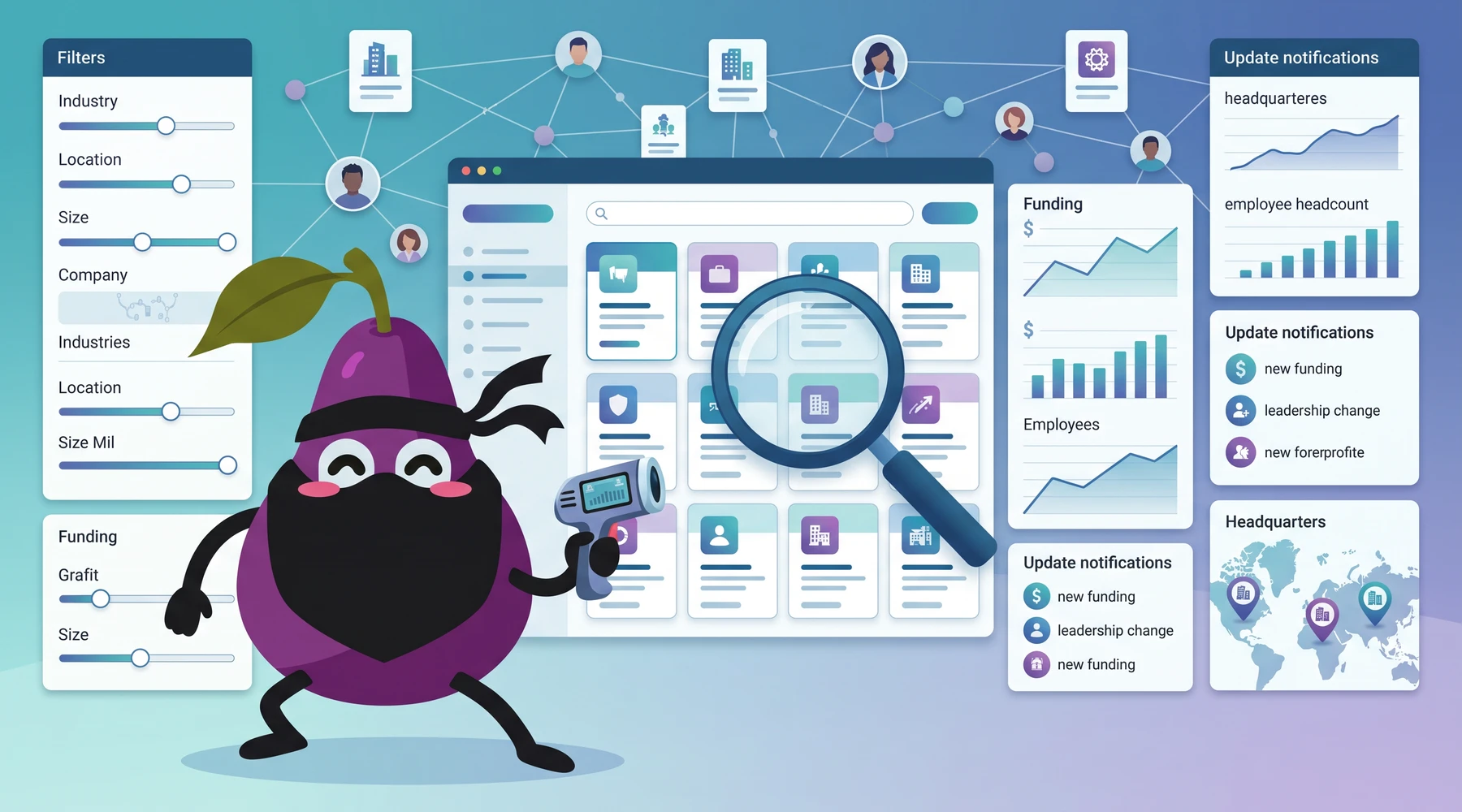
If you are trying to do an advanced LinkedIn company search, here is the blunt answer: LinkedIn is fine when you already know the company you want, but it gets thin the moment you need to filter companies by funding, tech stack, apps, headcount, or buying signals. That gap has been annoying operators for years.
In my experience, Boolean reduces the incorrect results but never removes them. even with quite extensive use of boolean I get 20% to 30% wrong results.
In this article, I will take you through the various techniques to make a LinkedIn company search. These techniques range from straightforward to advanced, depending on what your needs are.
Easy Mode: Find companies on LinkedIn with a name or a web domain
The most straightforward LinkedIn company searches are to find a LinkedIn company profile from a company name. All you need is a name or the company's web domain.
With a name, you can use LinkedIn's search. With a domain, you will need a Google search.
1. Use LinkedIn search to find a company from its name
- Go to www.linkedin.com
- In the search bar at the top, enter the company name and press Enter. For example: "nubela." After that, you will land on the search results page.

- Click on the Companies button. This will show you the search results of companies only.
- Done. The chances are that the company profile you are seeking is on the search result page now.
2. Use Google search to find a company from either name or website

- Go to www.google.com
- Search using this search term
site:linkedin.com/company/ <company_name OR company_domain> - Done. The chances are that the profile you are seeking is on the search result pane now.
This second method still works better than most people expect, especially when the company has a weird brand name, a parent company, or a domain that differs from the public brand.
Advanced Mode: Find a list of companies matching industries, keywords, funding and more
It is trivial to perform a LinkedIn company search for a specific company. The harder task is to get a list of companies matching a list of constraints.
How do you find a list of companies:
- From an industry?
- That match specific keywords?
- That meet a funding constraint?
- Behind a particular app?
- That use a particular technology?
- That pay for specific services?
First, you need the data. Historically, this is where Proxycurl's LinkDB came in. It held company profile data at serious scale, including:
- Funding data
- Published mobile apps
- Web traffic
- Web tech
- And more
Proxycurl sunset note: Proxycurl has been sunset. I founded Proxycurl, and I now work on NinjaPear. I am keeping this section here because the original point was valid: advanced LinkedIn company search is really a data problem, not a search box problem.
However, that data was never easy to expose cleanly just by piling filters onto a LinkedIn-style UI. Working with big datasets is hard. That was true then, and it is still true now.
What changed is the product direction.
Today, if what you actually need is company intelligence in the same general shape, but richer and without scraping LinkedIn, NinjaPear is the better fit. It does not scrape LinkedIn, and it gives you B2B company data with none of the legal liability.
Better than LinkedIn filters
If your real goal is not "find the LinkedIn page" but "find the right companies," these are the NinjaPear endpoints I would use instead of the old Proxycurl workflow:
1. Resolve company name to domain
If you start with fuzzy company names, use Company API Website Lookup:
- Endpoint:
GET /api/v1/company/website - Typical use: resolve
Apexinto the right canonical website - Credit cost: 1 credit
Example:
curl -G "https://nubela.co/api/v1/company/website" \
  --data-urlencode "company_name=Apex" \
  --data-urlencode "country_code=us" \
  --data-urlencode "hint=cybersecurity firm" \
  -H "Authorization: Bearer YOUR_API_KEY"
Why this matters: once you have the domain, everything else gets easier and less ambiguous.
2. Pull full company details
Use the Company Details endpoint when you need more than what LinkedIn usually exposes cleanly in search results:
- Endpoint:
GET /api/v1/company/details - Credit cost: 3 credits per call
- Returns: company name, tagline, type, founded year, employee count, industry, specialties, executives, addresses, and social links
Example:
curl -G "https://nubela.co/api/v1/company/details" \
  --data-urlencode "website=https://stripe.com" \
  -H "Authorization: Bearer YOUR_API_KEY"
This is the kind of record you actually want if you are qualifying accounts, enriching a CRM, or building a prospect list.
3. Track headcount growth
LinkedIn company pages often get used as a rough employee count proxy. If that is what you are doing, just pull the number directly:
- Endpoint:
GET /api/v1/company/employee-count - Returns fresh headcount via real-time web search
- Good for monthly polling and growth trend tracking
Example:
curl -G "https://nubela.co/api/v1/company/employee-count" \
  --data-urlencode "website=https://stripe.com" \
  -H "Authorization: Bearer YOUR_API_KEY"
4. Monitor updates and signals
This is where a plain LinkedIn company search really falls apart.
A company page tells you almost nothing about what changed this week. Company Monitor and the underlying Company Updates endpoint fix that:
- Endpoint:
GET /api/v1/company/updates - Credit cost: 2 credits per call
- Returns blog feeds, X profiles, and ordered recent updates
Example:
curl -G "https://nubela.co/api/v1/company/updates" \
  --data-urlencode "website=https://stripe.com" \
  -H "Authorization: Bearer YOUR_API_KEY"
If you are in sales, corp dev, VC, or competitive intel, this is more actionable than refreshing a LinkedIn page and pretending that counts as account research.
5. Pull funding history
If your advanced LinkedIn company search is really "find funded companies in a category," use structured funding data:
- Endpoint:
GET /api/v1/company/funding - Credit cost: 2 credits per call + 1 credit per unique investor
- Returns total funds raised, round details, and investor breakdown
Example:
curl -G "https://nubela.co/api/v1/company/funding" \
  --data-urlencode "website=https://stripe.com" \
  -H "Authorization: Bearer YOUR_API_KEY"
What each method is good for
Here is the practical comparison.
| Method | Best for | Data depth | Speed | Legal clarity | Ease of use | Avg score |
|---|---|---|---|---|---|---|
| LinkedIn native search | Finding a known company page | ⭐⭐☆☆☆ | ⭐⭐⭐⭐⭐ | ⭐⭐⭐⭐⭐ | ⭐⭐⭐⭐⭐ | 4.00/5 |
Google site:linkedin.com/company/ search |
Finding a company page from name/domain | ⭐⭐☆☆☆ | ⭐⭐⭐⭐☆ | ⭐⭐⭐⭐⭐ | ⭐⭐⭐⭐☆ | 4.00/5 |
| Old Proxycurl / LinkDB workflow | Historical advanced company filtering | ⭐⭐⭐⭐☆ | ⭐⭐⭐☆☆ | ⭐⭐⭐☆☆ | ⭐⭐☆☆☆ | 3.20/5 |
| NinjaPear company endpoints | Company research, enrichment, funding, updates | ⭐⭐⭐⭐⭐ | ⭐⭐⭐⭐☆ | ⭐⭐⭐⭐⭐ | ⭐⭐⭐⭐☆ | 4.60/5 |
The punchline is simple.
Use LinkedIn when you need a LinkedIn page.
Use Google when LinkedIn search is being annoying.
Use NinjaPear when you need actual company intelligence.
My honest take
When I was running FluxoMetric, I learned this the expensive way. We kept trying to stretch one source of truth into three jobs: discovery, enrichment, and monitoring. It never really worked.
LinkedIn is fine for discovery at the individual company level. It is not a serious answer for multi-constraint company search unless your standards are very low or your team has hours to waste every week cleaning results by hand.
That is also why the old Proxycurl section in this article still matters. The original instinct was correct. The problem was never "how do I search LinkedIn better?" The problem was "where do I get structured, commercial-grade company data without building a monster in-house?"
My answer today is NinjaPear.
Not because it is mine. Because it solves the right problem.
Want to read more guides on LinkedIn?
If you like reading technical write-ups on company data, enrichment, monitoring, and the messy reality of B2B prospecting, keep reading the NinjaPear blog.
And if your actual use case is advanced company search, start with the free trial on NinjaPear. Resolve the domain first, then pull company details, funding, employee count, and updates. That workflow is a lot closer to how real revenue teams should work in 2026.
