
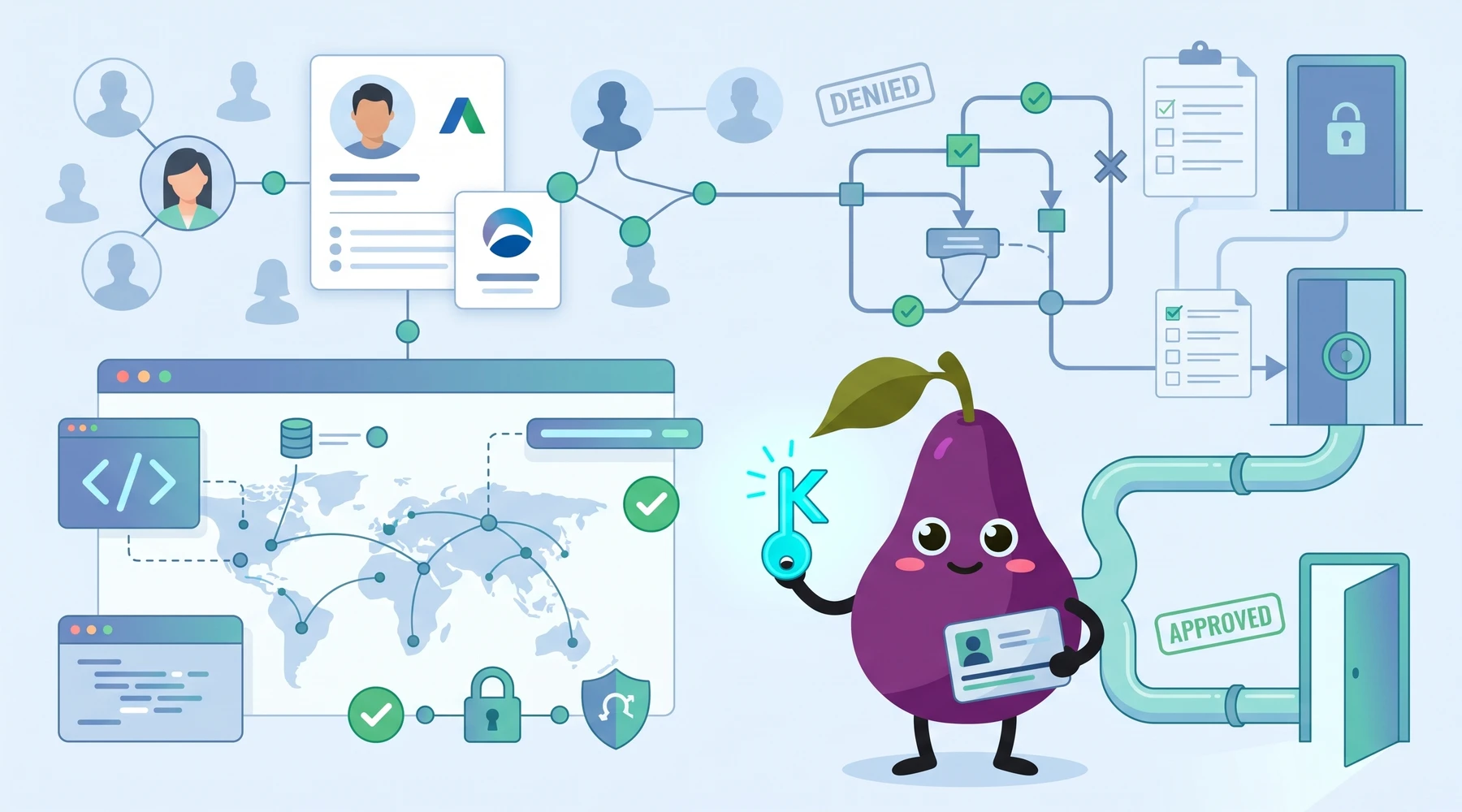
This Is How I Accessed LinkedIn Sales Navigator API: A Guide
So you want to rank up your lead generation game. Cut through the noise and get to prospects and ideal candidates faster. Well, the LinkedIn Sales Navigator API is the thing people usually look at first, but the catch is that getting access is nowhere near as straightforward as most guides make it sound.
LinkedIn has been very restrictive in providing API access in the past.
Today, I will share how I accessed the LinkedIn Sales Navigator API and everything you will need to know about it. From set ups with actual code snippets, to the challenges you might face, we will get through each aspect one by one. Lastly, I will introduce you to Proxycurl, and explain what changed since then. Intrigued? Let's get right into it.
I'll kick this off with a quick demo on how you can start pulling sales data using LinkedIn Sales Navigator API.
import requests

headers = {
    'Authorization': 'Bearer your_access_token',
}

response = requests.get('https://api.linkedin.com/v2/salesNavigatorData', headers=headers)

print(response.json())
By the end of this article, you will understand what it actually takes to access LinkedIn's professional network data and what your practical alternatives look like today.
What is the LinkedIn Sales Navigator API?
In a sentence, LinkedIn Sales Navigator API is an advanced tool that grants access to LinkedIn's network and professional data. Tapping into that data means you get valuable insights for sales intelligence, lead generation, and market research.
Here's a simple use case. Let's say you're tracking a few candidates for a Chief Marketing Officer role at your company. With LinkedIn Sales Navigator API, you can create a custom dashboard to keep an eye on these individuals. The dashboard will automatically update whenever someone on your list changes jobs or updates their profile, so you're always in the loop.
With this API, you can:
Fetch detailed personal and company data
Personally, this was the reason why I tried the LinkedIn Sales Navigator API. The API allows you to fetch personal and company data from LinkedIn and enrich your platform by integrating these profiles into your platform. Everything from work history, skills, endorsements, mutual connections, will help you understand your prospect clients or possible networks.
Data Recency and Sync
LinkedIn Sales Navigator API allows you to sync the pulled data with your existing customer information. Plus, you can directly create contact records from these search results and build a robust contact database in no time. Now you've got a better market view to draw your strategies and make decisions.
What's better, using the real-time data sync feature of LinkedIn Sales Navigator API and synchronizing data directly from search queries, you can always pull the most current and accurate information on your platform.
Advanced Search Option
With LinkedIn Sales Navigator, you can filter your search based on criteria like industry, location, company, job title, experience, etc. Pair that with its data syncing capabilities, and you now have a custom contact record of potential leads in your database.
How to Access LinkedIn Sales Navigator API
Accessing the LinkedIn Sales Navigator API was not as straightforward as I thought. I went in with the assumption that you could just create an account and call an endpoint. There are a lot of restrictions and costs involved with the tool.
Follow these steps to access the tool:
Step 1: Get the Sales Navigator Subscription
The first step is to have an active Sales Navigator subscription. Head on over to Sales Navigator Subscriptions and choose one of their paid plans. You need to pay your way to a premium plan for access to advanced features for lead generation, prospecting, and sales engagement.
Step 2: Apply for API Access
With a Sales Navigator subscription, you can now apply for API access through LinkedIn's developer platform. Here, you must provide a detailed explanation of your use case and how you plan to use the API.
Step 3: Wait for the Approval Process
Once you have applied for the access, it goes through an approval process. LinkedIn carefully reviews API access applications to ensure they align with their guidelines and terms of service. The approval process can take several weeks, so you have to be patient.
How to Authenticate with LinkedIn Sales Navigator API
Here's how to authenticate with the Sales Navigator API.
import requests

# Function to authenticate and get access token
def get_access_token(client_id, client_secret, redirect_uri, auth_code):
    url = "https://www.linkedin.com/oauth/v2/accessToken"
    params = {
        'grant_type': 'authorization_code',
        'code': auth_code,
        'redirect_uri': redirect_uri,
        'client_id': client_id,
        'client_secret': client_secret
    }

    response = requests.post(url, data=params)
    return response.json()

# Example usage
client_id = 'your_client_id'
client_secret = 'your_client_secret'
redirect_uri = 'your_redirect_uri'
auth_code = 'your_auth_code'

access_token = get_access_token(client_id, client_secret, redirect_uri, auth_code)
print(access_token)
Pulling Data from LinkedIn Sales Navigator API, A Guide
Due to the access restrictions and limitations, fetching data directly from LinkedIn Sales Navigator requires a more complex approach. The approval process in itself is a headache. Once you're approved, you can use the API to fetch data.
Take a look at this instance, a snippet for retrieving a person profile.
import linkedin_sales_navigator  # Assuming a library exists for the API

# Replace with your access token and person ID
access_token = 'your_linkedin_sales_navigator_access_token'
person_id = 'john-doe-123456'

client = linkedin_sales_navigator.Client(access_token)
profile_data = client.get_profile(person_id)

# Returned data may include limited fields based on your access level
print(profile_data)  # This might only contain basic information like name, headline, etc.
The person profile returned by your request can have basic fields like the person's name, job title, location, and industry, or a greater number of fields including experience and education, depending on your subscription. Here's what your output should look like:
{
  "name": "John Doe",
  "headline": "Senior Software Engineer at TechCorp",
  "linkedin_url": "https://linkedin.com/in/john-doe-123456/",
  "profile_picture_url": "https://media.licdn.com/profile-pic.jpg",
  "current_position": {
    "title": "Senior Software Engineer",
    "company_name": "TechCorp",
    "start_date": "2019-06"
  },
  "location": "San Francisco Bay Area",
  "connections_count": 500,
  "summary": "Passionate software engineer with over 7 years of experience in building scalable web applications and AI solutions.",
  "skills": ["Java", "Spring Boot", "Cloud Computing", "Machine Learning"]
}
Be advised the data returned might be limited by your access level, and could take longer to obtain due to the application process.
But that's not all. Here are a few major things to keep in mind while trying to pull data using LinkedIn Sales Navigator API:
Define the Scope
Determine what kind of data you want to extract. Is it lead data, company profiles, or job postings? Choose the fields you want so you know the right API endpoints to call.
API Documentation
Help yourself to the LinkedIn Sales Navigator API documentation to understand the API structure, endpoints, parameters, and best practices.
Rate Limits
Be mindful of the API rate limits. Don't fall for the same thing I did. You can only make a limited number of API calls within a certain time frame. For instance, you may be limited to 1000 API requests per day, depending on your subscription tier. Go over and your application will stop functioning temporarily.
For profile fetching, LinkedIn API is very tightly controlled. You usually only get basic profile info from users who auth into your app.
Is LinkedIn Sales Navigator API Free?
Just to be clear, LinkedIn Sales Navigator API is not a free service. The pricing for Sales Navigator is publicly available and may vary based on your use case. You can find more information about pricing and usage limits by contacting LinkedIn's developer support or reviewing their documentation.
Difficulty in Using LinkedIn Sales Navigator API
There are a lot of problems that come with using LinkedIn Sales Navigator API. Some I expected, and some I faced along the way.
Here are some problems you should look out for:
Access Restrictions
As I stated before, the approval process is a lengthy one. It depends on your application as much as it depends on LinkedIn's process. The wait is not the worst part however, as it is hard to get approval. You may need to meet specific criteria, such as having a verified LinkedIn profile or being part of a business account. There is always a risk of rejection if your use case is not deemed appropriate. Check out API access in LinkedIn for more information.
API Rate Limits
I went overboard with my API calls and LinkedIn temporarily shut down my app. There are strict rate limits on the number of API calls you can make within a specific timeframe. The amount will depend on what subscription you paid for. Be careful with the amount of APIs you call if you don't want to go through the same thing I did.
It was an inconvenience for sure but the consequences can be tenfold for businesses than individuals. On a large scale, encountering these limitations can potentially hinder operations.
Cost
You'll need an active Sales Navigator subscription to access the API. It does not come cheap and so it can be very hard for startups or small businesses.
Technical Complexity and Steep Learning Curve
Integrating the LinkedIn Sales Navigator API into your systems is easier said than done. You also have to devote your time to understand the API's structure, endpoints, and best practices despite your technical expertise. Then again, you have to be on the lookout for API errors and rate limits.
Enter Proxycurl, The Better Alternative to LinkedIn Sales Navigator API
LinkedIn Sales Navigator API has baggage of its own. There is no avoiding its shortcomings, especially when it comes to access, rate limits, and customization.
This is where Proxycurl steps in as a superior alternative API solution.
Update: Proxycurl API has since been sunset. I am the founder behind Proxycurl, and the work has since moved into NinjaPear, where I'm now building a broader B2B data platform. I'm retaining this section because the comparison still explains the gap people ran into with LinkedIn's API, but if you're evaluating tools today, start with NinjaPear instead of trying to sign up for Proxycurl.
What is Proxycurl?
Proxycurl is an API product that allows businesses and developers to pull and enrich professional profile and company data from LinkedIn. Whether you're building a B2B sales tool, an HR application, or a data aggregator, Proxycurl provides the information you need with fewer barriers and greater customization options compared to LinkedIn Sales Navigator API.
Why is Proxycurl better than LinkedIn Sales Navigator API?
Proxycurl is better than LinkedIn Sales Navigator API. Let me prove it to you.
No Approval Process
You don't have to cast your application and hope you get approved while you're dangling for weeks on end. And LinkedIn's strict eligibility criteria does you no favors. Whether you're an independent researcher, a startup, a small business or a global enterprise, Proxycurl was open for all.
High API Rate Limits
In comparison, Proxycurl offers significantly higher rate limits than LinkedIn Sales Navigator API. Pair that up with a high degree of scalability, and you have got yourself a tool that grows alongside you.
Customizable Data Output
Proxycurl provides greater flexibility in data extraction. You can specify the exact fields and information you need, then customize the data output to match your specific requirements.
You also have the ability to access historical data as well. Proxycurl allows you flexibility in data freshness, with an option to extract freshly-scraped data, data 29 days old or younger or historical data that is older than 29 days.
Transparent Pricing Plans
Proxycurl's pricing plans were publicly available on the website. Along with plans, there were clear tiers and usage-based fees for those who were unsure about their usage. It also goes without saying that the cost was far more affordable than that of LinkedIn Sales Navigator.
| Plans | LinkedIn Sales Navigator | Proxycurl |
|---|---|---|
| Free | N/A | 100 free credits upon signup |
| Basic Paid | Core (for individuals) $99/mo | Starter $49/mo |
| High-end Paid | Advanced Plus (for teams) $1,600 per person/year | Enterprise < $2,000/year |
How to pull data using Proxycurl, The Easy Way
Fetching data with Proxycurl is super simple. All you need is an API key and the target URL.
Here's a snippet using Proxycurl, doing the same thing as I did with the LinkedIn API, pulling a person profile.
import requests

# Replace with your Proxycurl API key
api_key = 'your_proxycurl_api_key'
person_linkedin_url = 'https://linkedin.com/in/john-doe-123456/'

url = f'https://nubela.co/proxycurl/api/v2/linkedin?url={person_linkedin_url}'
headers = {'Authorization': f'Bearer {api_key}'}

response = requests.get(url, headers=headers)

if response.status_code == 200:
    profile_data = response.json()
    print(profile_data)  # This could include richer data depending on Proxycurl's capabilities
else:
    print(f"Error: {response.status_code}")
And that's it. Here's what the output from Proxycurl looks like.
{
  "name": "John Doe",
  "headline": "Senior Software Engineer at TechCorp",
  "profile_picture_url": "https://example.com/profile-pic.jpg",
  "linkedin_url": "https://linkedin.com/in/john-doe-123456/",
  "current_company": {
    "name": "TechCorp",
    "position": "Senior Software Engineer",
    "url": "https://linkedin.com/company/techcorp",
    "start_date": "2019-06-01"
  },
  "past_companies": [
    {
      "name": "WebInnovators",
      "position": "Software Engineer",
      "start_date": "2016-08-01",
      "end_date": "2019-05-31"
    }
  ],
  "location": "San Francisco, California, USA",
  "education": [
    {
      "institution": "Stanford University",
      "degree": "Master's in Computer Science",
      "start_date": "2012-09-01",
      "end_date": "2014-06-01"
    }
  ],
  "skills": ["Python", "Java", "AWS", "Machine Learning"],
  "contact_info": {
    "email": "[email protected]",
    "phone": "+1-234-567-8901"
  },
  "last_activity": {
    "date": "2023-10-15",
    "content": "Excited to announce the launch of our new AI-powered platform at TechCorp!"
  },
  "remaining_data": null
}
The Person Profile Endpoint here will return you their name, social media ids, personal email and much more. The data returned is more comprehensive and is readily available with a valid API key.
Sales Nav is great for finding people, but if you need to push data into your own systems at scale, the official options are limited.
Proxycurl API vs LinkedIn Sales Navigator API, A Summary
Let's bring these two API solutions head-to-head and see the difference.
| Tool | Access | Data Quality | Pricing | Ease of Use | API Limits | Avg. Score |
|---|---|---|---|---|---|---|
| LinkedIn Sales Navigator API | ⭐⭐☆☆☆ | ⭐⭐⭐⭐☆ | ⭐⭐☆☆☆ | ⭐⭐☆☆☆ | ⭐⭐☆☆☆ | 2.4/5 |
| Proxycurl API | ⭐⭐⭐⭐⭐ | ⭐⭐⭐⭐☆ | ⭐⭐⭐⭐☆ | ⭐⭐⭐⭐⭐ | ⭐⭐⭐⭐☆ | 4.4/5 |
| NinjaPear | ⭐⭐⭐⭐⭐ | ⭐⭐⭐⭐☆ | ⭐⭐⭐⭐☆ | ⭐⭐⭐⭐⭐ | ⭐⭐⭐⭐☆ | 4.4/5 |
| Feature | LinkedIn Sales Navigator API | Proxycurl API | NinjaPear |
|---|---|---|---|
| Access | Lengthy approval process required | Instant access with API key | Instant access with API key |
| API Rate Limits | Limited number of API calls per day | High API rate limits for large-scale data pulling | Paid API endpoints limited to 50 requests/minute at account level |
| Customization | Limited customization for data fields | Flexible and customizable data output | Multiple API endpoints across company, employee, competitor, customer, and monitor data |
| Pricing | Expensive, tiered pricing model | Transparent, affordable pricing | Transparent credit-based pricing with 3-day free trial and 10 credits |
| Real-Time Data | Data may not always be up-to-date | Accurate, real-time data | Fresh company and profile data from public web sources |
| Ease of Use | Requires complex setup and management | Easy to use with simple API calls | REST API plus Python and JavaScript SDKs |
| Customer Support | Limited customer support | Responsive and developer-friendly support | Direct docs, SDKs, and AI-agent friendly docs |
Final Thoughts
The LinkedIn Sales Navigator API is a powerful tool if you can get through the process. Follow the steps above and you can eventually get your data out of LinkedIn Sales Navigator API. But that approval process is real, and so are the limits that come after it.
The practical lesson here is simple. If you specifically need the official LinkedIn route, go in with realistic expectations. If what you actually need is usable B2B data infrastructure, then the better move today is to skip the romance of "official access" and start with NinjaPear, which is where the work moved after Proxycurl.
No drama. Just pick the path that gets your product shipped.
FAQs
How do I get data from LinkedIn Sales Navigator?
LinkedIn Sales Navigator does not have a native functionality for exporting lead lists. To export your lists to a CSV file, you typically need a third party tool like Evaboot and then follow through with their steps.
Can you automate LinkedIn Sales Navigator?
Yes, LinkedIn Sales Navigator's advanced search filters allow you to identify and connect with relevant prospects. Tasks like sending personalized InMail messages, updates, and follow-ups based on insights can be automated through surrounding sales workflows, though the official API access is still limited.
Can I get LinkedIn Sales Navigator for free?
LinkedIn Sales Navigator is a paid product. You can sign up for a LinkedIn Sales Navigator free trial with your LinkedIn account. However, the free trial is only available for members who are currently not on any LinkedIn paid subscription plan and have not taken any LinkedIn free trials for the last 365 days.
Can I access LinkedIn profiles directly through the LinkedIn Sales Navigator API?
Direct profile access is limited, but you can access data related to leads and accounts, which integrates into CRM and sales systems while respecting LinkedIn's data-use policies.
Is LinkedIn Sales Navigator worth it?
With benefits like advanced search filters, lead recommendations, and granular analytics, it is a good choice for sales teams and recruiters already living inside LinkedIn. If your goal is raw API access and fast implementation, that is where people usually start looking for alternatives.
How to scrape data from LinkedIn Sales Navigator for free?
You can scrape data from LinkedIn Sales Navigator for free manually. That usually means the tedious path of searching profiles one by one and copy-pasting information. It is only practical if you need data on a very small number of LinkedIn Sales Navigator profiles.
How secure is the LinkedIn Sales Navigator API?
The API is designed with LinkedIn's data security policies in mind, so the connections are secure and access is controlled according to the user's license.
Is LinkedIn Sales Navigator API GDPR-compliant?
LinkedIn adheres to GDPR and other data protection laws, so API users must also follow data privacy guidelines, especially when handling personal information from the platform.
