

I’ve signed the software bill before. That changes how you look at tools like Visualping. Here’s the short version: Visualping is good at watching pages. I’d use it for pricing pages, job boards, docs, policy pages, and some gated portals. I would not use it as my main competitive intelligence system. That is the mistake. Not the tool.
Using visualping, I can tell it wait 5 seconds for all the JS to load, then click on a bunch of elements, write my zip code and then check if it’s available.
That quote is useful because it kills the lazy take. Visualping is not a toy. It can do real browser steps. The problem is that people buy a page monitor and expect it to think for them.
TL;DR
| Factor | Visualping | Distill.io | changedetection.io | NinjaPear Company Monitor | Winner |
|---|---|---|---|---|---|
| Data freshness | ⭐⭐⭐⭐☆ | ⭐⭐⭐⭐⭐ | ⭐⭐⭐⭐☆ | ⭐⭐⭐⭐☆ | Distill.io |
| Data richness | ⭐⭐☆☆☆ | ⭐⭐☆☆☆ | ⭐⭐☆☆☆ | ⭐⭐⭐⭐⭐ | NinjaPear |
| Scalability | ⭐⭐☆☆☆ | ⭐⭐⭐☆☆ | ⭐⭐⭐⭐☆ | ⭐⭐⭐⭐☆ | NinjaPear |
| Pricing | ⭐⭐☆☆☆ | ⭐⭐⭐⭐☆ | ⭐⭐⭐⭐⭐ | ⭐⭐⭐☆☆ | changedetection.io |
| Developer friendliness | ⭐⭐⭐☆☆ | ⭐⭐⭐⭐☆ | ⭐⭐⭐⭐⭐ | ⭐⭐⭐⭐☆ | changedetection.io |
| Stability | ⭐⭐⭐⭐☆ | ⭐⭐⭐⭐☆ | ⭐⭐⭐⭐☆ | ⭐⭐⭐⭐☆ | Tie |
| Overall score | 3.10/5 | 3.67/5 | 4.00/5 | 4.00/5 | changedetection.io / NinjaPear |
If you only need page alerts, Visualping is a sane buy. If you need company intel, it is the wrong layer.
Upfront: I’m a competitor
I lead GTM at NinjaPear. We sell Company Monitor. So yes, I’m biased.
I still think that bias is useful here.
I’ve spent real money on this category. When I was running FluxoMetric, I wasted ~$4K a month at one point on monitoring and enrichment tools that looked good in demos and created work in practice. More alerts. More tabs. More triage. Less signal.
So I’m not selling you neutrality. I’m giving you the version I’d want if I were the one approving the spend.
The 20-second verdict
Verdict: Visualping is good software. It is easy to set up, good on visual diffs, and more capable on dynamic pages than most people realize. My score is 3.1/5.
Use it for page alerts
Use Visualping for: - pricing pages - careers pages - docs and changelogs - policy and compliance pages - restocks and ticket drops - some authenticated dashboards
That is a real list. Not a consolation prize.
Skip it for market intel
Do not buy Visualping if what you actually mean is: “tell me what this company is doing.”
A page monitor can tell you a page changed. It does not automatically tell you whether the change matters, what it means, or how it connects to the rest of the company’s behavior.
That sounds like a small distinction. It isn’t.
What Visualping gets right
Setup is dead simple
This part is good.
The homepage still does the right thing. It shows the basic workflow fast: enter URL, click Go, choose what to track, pick frequency, send the alert. That matters because half the battle here is getting somebody to actually finish setup.
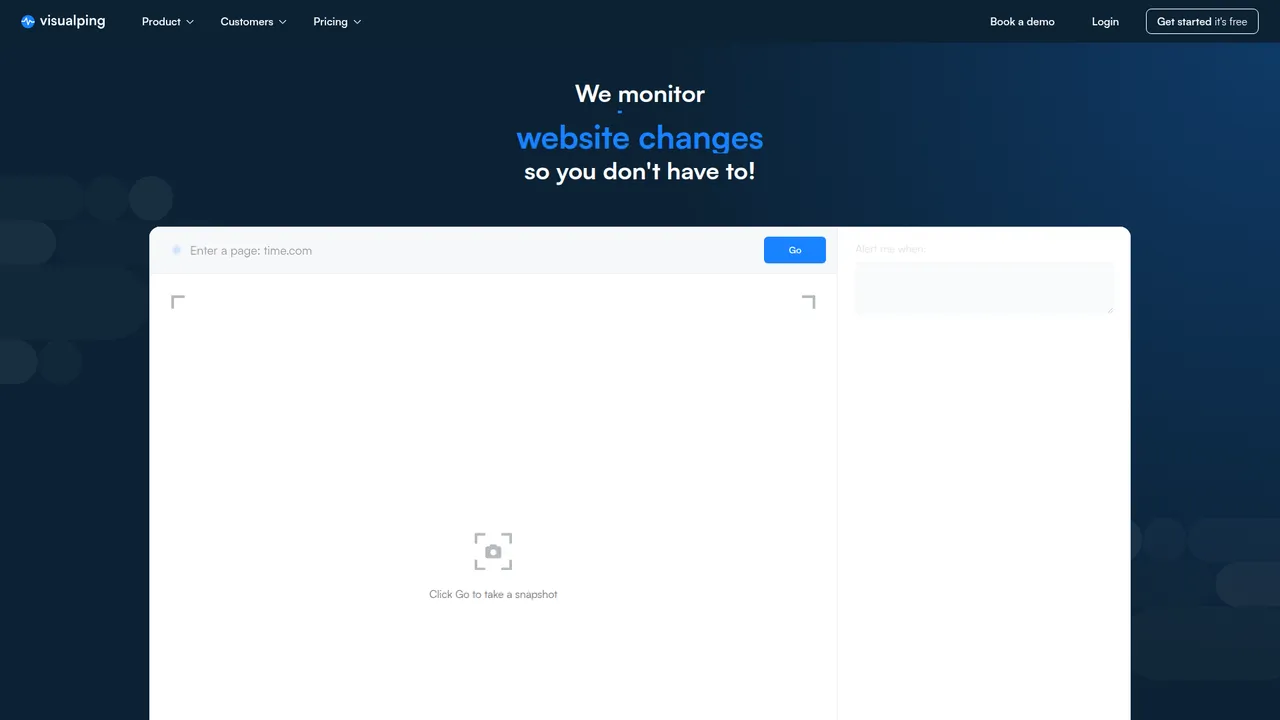
That is a better product story than the usual feature soup.
Visual diffs are human-friendly
A lot of monitoring tools are built for people who don’t mind selectors, HTML, and ugly text diffs.
Visualping is easier on normal humans.
That matters if the reviewer is a founder, PMM, RevOps lead, or analyst who wants to know what moved without reading DOM noise. Screenshot diffs are easier to scan than raw page churn. You see the change. Fast.
It handles tricky pages
Visualping can do more than static pages.
TechRadar specifically called out its “perform actions” feature for typing, clicking, and scrolling. Visualping’s own 2026 guide on password-protected pages also documents two approaches for gated content:
- Chrome extension
- Pre-actions with element selector
That means it can handle things like login flows, wait states, and pages that need a little browser behavior before the content appears.
That does not make it magic. It just makes it more capable than the average review admits.
Where it starts to suck
Change is not signal
This is the core problem.
A page monitor tells you something changed. It does not reliably tell you: - whether the change matters commercially - whether it was noise - whether the change connects to anything bigger - whether someone should act on it
Visualping clearly knows this. Their product and help docs lean hard into AI summaries, AI importance logic, and higher-end managed options.
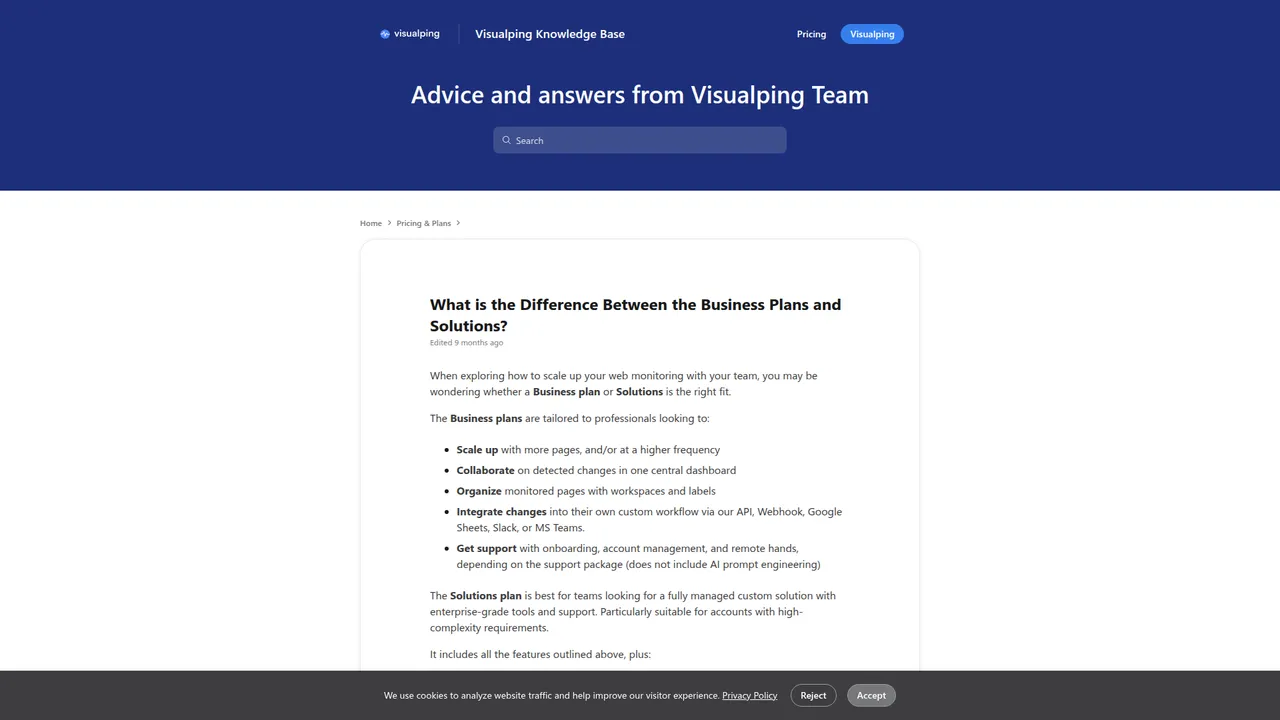
Their own help article on Business vs Solutions says the Solutions tier includes AI concierge service, custom data structure and output, starter packs, image change interpretation, and upgraded models for better summaries.
That tells you what the real hard part is.
Not crawling pages. Interpreting them.
Noise becomes labor
The invoice is rarely the real cost.
The real cost is the person who has to read the alerts.
Who opens them? Who filters junk? Who decides what matters? Who keeps false positives from becoming background radiation?
That cost compounds fast.
False Positives: Visual monitors alert you when pixels change (e.g., an ad banner updates or a cookie popup appears). I only care if the actual date changes.
That is the category in one paragraph.
The product can be fine. The labor model can still be wrong.
Website-only is a narrow lens
If your use case is “watch this page,” website-only is fine.
If your use case is “watch this company,” website-only is already incomplete.
Companies signal through: - website edits - new pages in sitemaps - blog posts - changelogs - X posts - hiring activity - positioning changes
Visualping covers one slice of that well. It does not cover the whole thing as one feed.
That is why I keep separating page monitoring from company monitoring. They are different jobs.
Pricing: the real trap
Free gets you hooked
Public references on Visualping’s free plan vary.
The Chrome Web Store listing says 62 checks/month free for the server service. TechRadar’s 2025 review says 150 checks/month and 5 pages on the free plan.
That inconsistency is not the point.
The point is that the free tier is for learning the product, not for pricing a workflow.
Business is where workflows start
TechRadar reported these public anchors in 2025: - $10/month for 1,000 checks and up to 25 pages - $50/month for 10,000 checks and up to 200 pages - $100/month for 20,000 checks and around 500 pages - $250/month for 50,000 checks and around 1,500 pages
Those are useful reference points. They are not the main story.
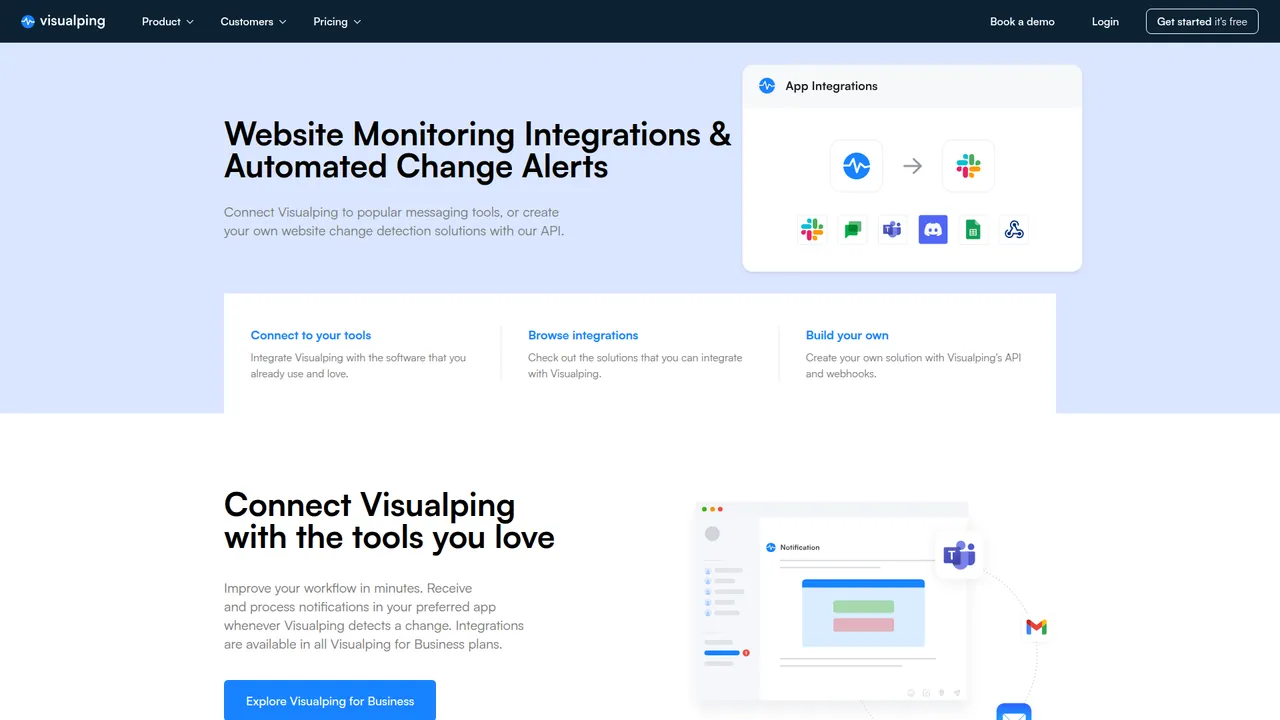
The main story is this: once you need Slack, Teams, Sheets, API, webhooks, shared workflows, and real team use, you are no longer buying a cheap side tool.
You are buying workflow software.
Visualping’s own help doc says Business plans are for professionals who want to integrate changes through API, Webhook, Google Sheets, Slack, or MS Teams. Their integrations page says integrations are available in all Business plans.
That is reasonable. I’m not complaining about it.
I’m saying buyers often budget for a utility and end up deploying a system.
Human review is the hidden cost
TechRadar also mentions paid support add-ons at $600/year, $1,200/year, and $3,000/year.
That is not even the part I care about most.
The hidden line item is analyst time.
If Visualping saves your team six hours a month, it is cheap.
If it creates eight hours a month of low-grade review work, it is not cheap anymore.
API and integrations reality
Integrations are solid
Visualping’s integrations page lists: - Slack - Microsoft Teams - Google Chat - Zapier - Google Sheets - Lindy.ai - n8n - Webhooks - Discord - API
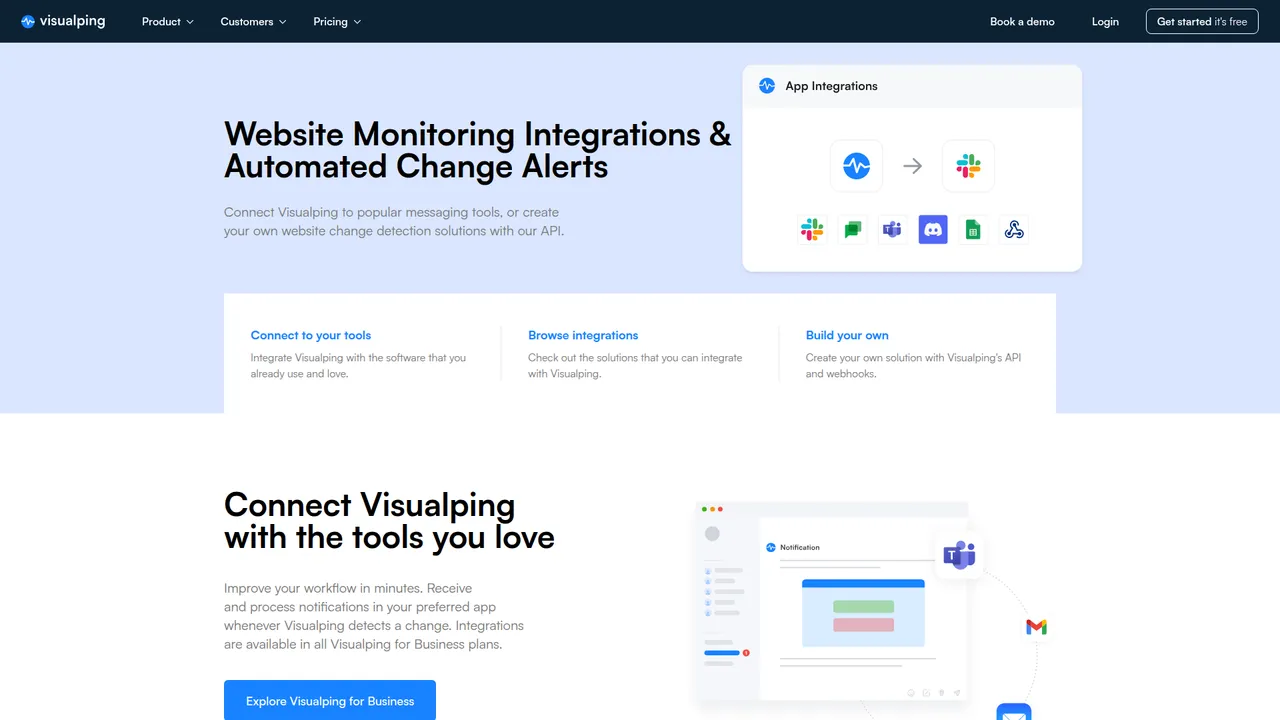
That is a respectable list.
If your workflow ends in Slack or a webhook, Visualping is not weak here.
Programmatically, yes, it’s real
A lot of vendors say “API” and mean one thin endpoint.
Visualping looks more serious than that.
Their April 2026 API article shows actual API usage for:
- creating jobs with POST https://job.api.visualping.io/v2/jobs
- setting intervals in minutes like 5, 60, and 1440
- targeting a specific page region with xpath
- adding preactions for click and type steps
- configuring webhook notifications
- pulling active jobs and change history
- using AI importance definitions and summaries
That is enough for real operations work.
Once you get past ~30 monitors, the dashboard becomes the slow part. The API is how you stop doing repetitive setup by hand.
But integrations are not insight
A Slack alert about a page change is still a page change.
Moving the alert into Slack, Teams, Sheets, Zapier, or n8n does not improve the information. It improves routing.
Useful. Yes.
The same as insight. No.
Business-plan gating matters
Visualping’s help center is pretty clear here.
Business plans are for users who want to: - scale to more pages and higher frequency - collaborate in a shared dashboard - organize workspaces and labels - integrate with API, webhook, Sheets, Slack, and Teams
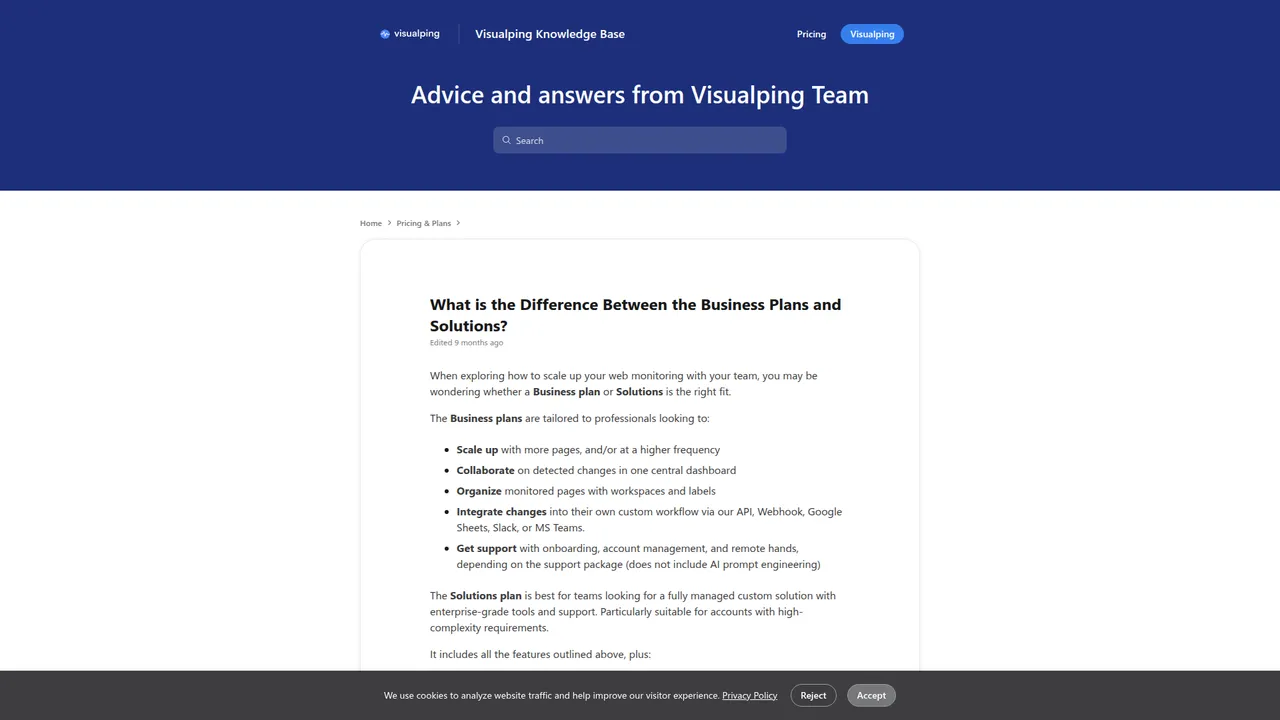
That matters because it changes the buying math.
If you’re a solo operator, Personal may be enough.
If you’re plugging alerts into an actual team workflow, you are already in Business territory.
Bot blocking, login walls, and edge cases
This is where most reviews get vague. I’m not going to do that.
Behind login walls, yes, with caveats
Visualping’s February 2026 guide on password-protected pages gives a clean table:
| Method | Best for | Difficulty | Works with 2FA? |
|---|---|---|---|
| Chrome extension | Any authentication method, including 2FA and SSO | Easy | Yes |
| Pre-actions | Standard username/password forms | Medium | No |
That is a good answer.
The extension captures your active browser session. In Device mode, checks run on your machine. In Server mode, it captures session data like cookies and local storage and sends them to Visualping’s servers for background checks.
That means: - 2FA and SSO: yes, with the extension - basic username/password: yes, with extension or pre-actions - messy SPA login flows: more likely with extension - expiring sessions: expect re-auth friction
That is real capability. Also real maintenance.
Bot detection, no, they are not pretending to be bulletproof
This is where I give them credit.
Their own guide says: “Some sites detect and block automated access.” The suggested workaround is the Chrome extension in Device mode, because it uses your real browser.
They also say pre-actions do not work with CAPTCHA-protected logins.
That is the right level of honesty.
Visualping is a monitoring tool. It is not a stealth anti-bot stack.
If your targets are consistently behind hostile bot defenses, this category gets harder fast.
Device mode vs server mode
This is the actual tradeoff.
Device mode is better when: - the site dislikes bots - auth is messy - you need your real session - you can tolerate checks only running while your machine and Chrome are alive
Server mode is better when: - you want background monitoring - sessions do not expire too fast - your laptop being closed should not stop the checks - the target site is not especially hostile
If your process depends on Device mode, somebody owns that browser session. Usually RevOps. Sometimes the founder. Sometimes an engineer who did not ask for this job.
Advanced use cases
Visualping is better than average when the workflow gets slightly weird.
Based on Visualping’s docs and TechRadar, the serious use cases include: - monitoring after click, type, scroll, or wait actions - watching specific elements instead of whole pages - monitoring password-protected pages - using custom AI importance definitions - sending alerts through webhooks - creating hundreds of monitors through the API - tracking keywords instead of every visual change
That is a real feature surface.
Still, advanced page monitoring is still page monitoring.
Is there an RSS feed?
I could find strong first-party evidence for: - email - Slack - Teams - Google Sheets - Google Chat - Discord - webhooks - Zapier - n8n - API
I could not find first-party evidence of a native RSS output for Visualping alerts.
Can you build an RSS-like workflow from a webhook?
Yes.
Is that the same as native RSS?
No.
That matters if your team wants feed-style monitoring instead of notification routing.
This is one place where NinjaPear Company Monitor is a different kind of product. It is built around a company-updates feed from the start.
My scorecard
| Category | Rating |
|---|---|
| Ease of setup | ⭐⭐⭐⭐☆ |
| Visual clarity | ⭐⭐⭐⭐☆ |
| Dynamic page handling | ⭐⭐⭐⭐☆ |
| Behind-login support | ⭐⭐⭐⭐☆ |
| Bot-blocking resilience | ⭐⭐☆☆☆ |
| False positive control | ⭐⭐☆☆☆ |
| Meaningful signal extraction | ⭐⭐☆☆☆ |
| Integrations | ⭐⭐⭐⭐☆ |
| Developer friendliness | ⭐⭐⭐☆☆ |
| Pricing efficiency | ⭐⭐☆☆☆ |
| Scalability for intel teams | ⭐⭐☆☆☆ |
| Overall | 3.1/5 |
That score is not a dunk. It is a fit score.
Visualping is good at a narrower job than many buyers want it to do.
Visualping vs Distill vs changedetection
Visualping vs Distill
Visualping is easier and more polished.
Distill tends to be better for people who want more control and do not mind more setup. Public pricing has also tended to look better for technical users who want faster intervals and more knobs per dollar.
My rough rule is simple: - give Visualping to a non-technical operator - give Distill to a power user who wants more control
Visualping vs changedetection
changedetection.io is the “I’d rather own the plumbing” option.
It is powerful. It is cheap. It is flexible. It is also work.
There also exists this project https://github.com/dgtlmoon/changedetection.io which is self-hosted...
That is basically the tradeoff.
Visualping is easier. changedetection.io is better if your team is technical and cost-sensitive.
Visualping vs NinjaPear Monitor
This one is clean.
- Visualping = page monitoring
- NinjaPear Company Monitor = company updates across website, blog, X, and meaningful changes
If you want “did this page move?”, buy Visualping.
If you want “what is this company doing?”, buy a different class of tool.
That is why Company Monitor exists.
I got tired of teams forcing page diffs to do company-intel work.
What Reddit and X got right
Reddit on dynamic pages
The best Reddit quote I found is still the one about waiting for JS, clicking elements, and entering a zip code.
It’s short. It’s ugly. It’s believable.
And it proves the product can do more than static diffs.
Reddit on DIY alternatives
Reddit also gets the buyer split right.
Technical people compare Visualping with self-hosted options almost immediately. They should.
If Docker and selectors do not scare you, changedetection.io is worth a real look.
X on practical monitoring
I found one X post that captures a sane use case instead of pretending a page alert tool is a full intel system:
I use VisualPing to monitor changes on web pages. No fancy integration. No scraping. Just an alert when something changes. I use it for: - platform tweaks its docs - competitor updates pricing - goods price decrease 🤭 I get an email, and I’m already in the loop.
— Luca Restagno 🐢 blacktwist.app (@ikoichi) Jul 30, 2025
That is a good Visualping workflow. Narrow. Useful. No fantasy.
Screenshots and proof
Homepage hero
Integrations proof
Help-doc proof
Evidence table
| Claim | Source | Exact wording / evidence | Article takeaway |
|---|---|---|---|
| Homepage positions Visualping as simple setup | https://visualping.io/ | Hero shows URL input, “Click Go to take a snapshot,” alert setup, cadence, and email destination | Visualping’s UX is optimized for fast setup and non-technical use |
| Integrations exist for common workflow tools | https://visualping.io/integrations | Lists Slack, Microsoft Teams, Google Chat, Zapier, Google Sheets, Lindy.ai, n8n, Webhooks, Discord, API | Integrations are solid for normal business workflows |
| Integrations are Business-plan oriented | https://visualping.io/integrations | “Integrations are available in all Visualping for Business plans.” | Useful connectors, but they push team workflows upmarket |
| Business plans include workflow integrations | https://help.visualping.io/en/articles/6308929 | “Integrate changes into their own custom workflow via our API, Webhook, Google Sheets, Slack, or MS Teams.” | API, webhook, Slack, and Sheets are part of the Business motion |
| Solutions includes AI interpretation help | https://help.visualping.io/en/articles/6308929 | “AI concierge service... only notifies you when a change is important.” | Visualping knows raw change detection is not enough at scale |
| Login-wall monitoring is supported | https://visualping.io/blog/how-to-monitor-password-protected-websites-using-visualping | Supports Chrome extension and pre-actions; extension works with 2FA/SSO, pre-actions do not handle 2FA | Behind-login support is real, but method choice matters |
| Some sites block the crawler | https://visualping.io/blog/how-to-monitor-password-protected-websites-using-visualping | “Some sites detect and block automated access. The Chrome extension in Device mode avoids this because it uses your real browser.” | Bot-blocking resilience is limited in server-side mode |
| CAPTCHA is not handled by pre-actions | https://visualping.io/blog/how-to-monitor-password-protected-websites-using-visualping | “Pre-actions do not work with... CAPTCHA-protected logins” | This is not a full anti-bot platform |
| API is real, not decorative | https://visualping.io/blog/monitor-website-changes-api | Shows POST https://job.api.visualping.io/v2/jobs, job creation, webhooks, selectors, preactions, and change history |
Serious teams can operationalize Visualping programmatically |
| TechRadar pricing context | https://www.techradar.com/reviews/visualping-web-content-monitoring | Free 150 checks/month and 5 pages; paid plans from $10 personal to $250 business | Public pricing context supports the workflow-purchase argument |
| Chrome Web Store free reference differs | https://chromewebstore.google.com/detail/visualping/pemhgklkefakciniebenbfclihhmmfcd?hl=en | “62 checks/month free” for server service | Free-tier references vary by surface and date |
| Native RSS output not clearly documented | research pass | Strong evidence for email, Slack, Teams, Sheets, webhooks, API, Discord, Zapier, and n8n, but no clear first-party native RSS feed doc found | Do not assume RSS exists as a native output |
Who should buy it
Buy Visualping if
Buy Visualping if: - you’re a solo operator or small team - you need simple page alerts - you care about visual diffs - your targets are mostly public web pages - you want something non-technical people can set up quickly - you may occasionally need login-wall monitoring and understand the caveats
Skip Visualping if
Skip it, or at least don’t make it your main system, if: - you need structured company intelligence - you need website + blog + X + new-page coverage together - you are trying to reduce analyst labor, not just detect movement - your targets are behind hostile bot defenses or CAPTCHA-heavy auth flows - you want a feed of meaningful company updates instead of screenshot diffs
My final take
Visualping is worth paying for when the job is page alerts.
That is my actual view. Not a hedge.
It is good software. It is easy to set up. It is more capable on dynamic and gated pages than a lot of people think. It also gets misbought all the time.
If your job is “alert me when this page changes,” Visualping is a reasonable answer.
If your job is “tell me what this company is doing,” it is the wrong layer.
That difference sounds small. It is not.
If you’re still deciding, do one boring exercise before you buy anything: list the pages you need to watch, the person who will review alerts, the action you’ll take when something changes, and whether those targets sit behind auth or bot friction. That will tell you very quickly whether you need a page monitor, a self-hosted setup, or a proper company-monitoring feed.
A practical workbook with a vendor scorecard, cost estimator, false-positive tracker, implementation checklist, and page-vs-company decision tab.
Download now →
If you want to sanity-check the category without buying the wrong layer first, that sheet will do more for you than another ten feature-list reviews.
