
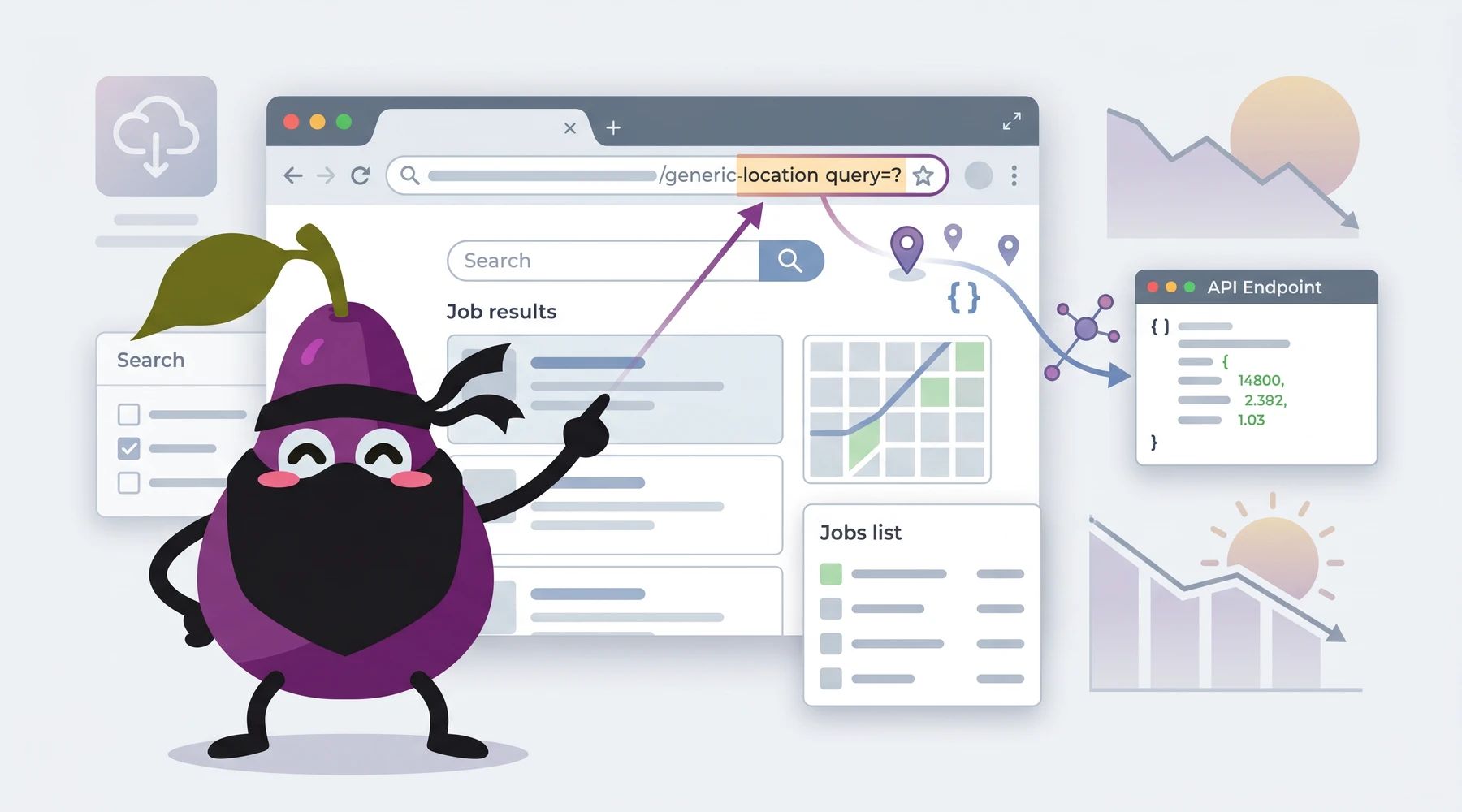
The geo_id parameter in the Job Listing API and Job Listing Count API represents the ID that LinkedIn prescribes to a region. This article will explain how you get a matching geo_id for a given region you want to target.
Note: Proxycurl API has been sunset. I built Proxycurl, and I am now building NinjaPear. The documentation links above are kept here for historical context because this
geo_idworkflow is still the part people come here for.
Follow these steps to get the geo_id that you are seeking to match a region to:
- Visit this page without being logged into LinkedIn. Use Private Browsing on Firefox or Incognito mode on Chrome.
- At the top, there is a search bar with two input fields. Use the input field on the right, the one that allows you to filter jobs by region.
- Enter the region that you want to target in the input field mentioned in step #2. An autocomplete dialog will appear. Click on the correct region.
- Press Enter and you will be brought to a results page.
- Look at the URL bar, and take note of the URL. It should look something like this:
https://www.linkedin.com/jobs/search?keywords=&location=Greater%20Los%20Angeles%2C%20California%2C%20United%20States&locationId=&geoId=100657539&f_TPR=r604800&distance=25&f_WT=3&position=1&pageNum=0
6. What you want is the number that comes after geoId= in the URL. This number will be the input for geo_id in the Proxycurl Jobs API.
That is it.
If you are here because you used Proxycurl in the past, the key thing to preserve in your own code is simple: geo_id is just LinkedIn's region identifier pulled from the jobs search URL, not something Proxycurl invented.
Hope this helps!
