
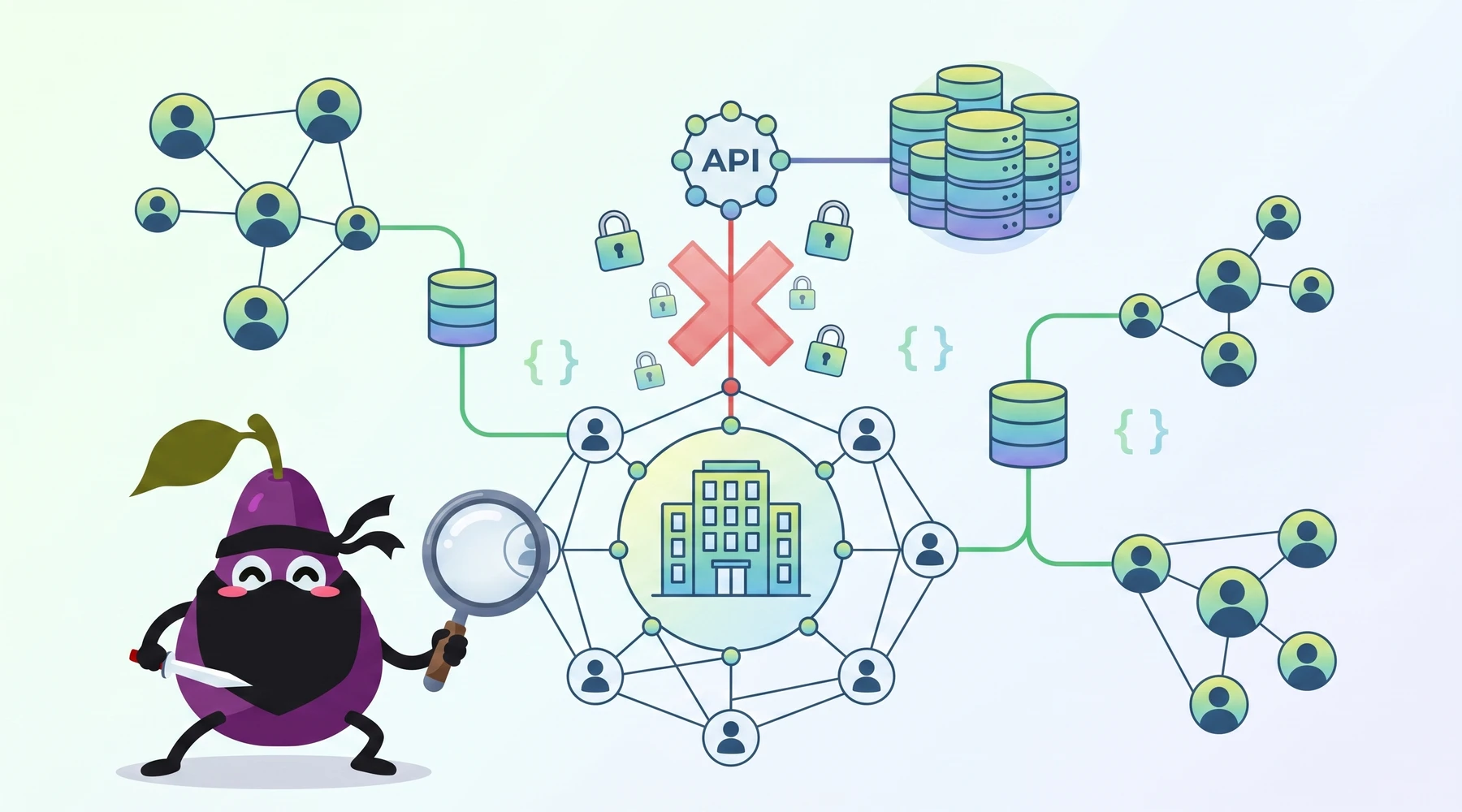
Unfortunately, LinkedIn no longer offers any kind of employee listing data through its official API.
If your question is specifically, "Can I get a list of all employees at Apple, Stripe, or any other company through the LinkedIn API?", the practical answer is no, not through LinkedIn's official API.
This post originally answered a StackOverflow-style question with Proxycurl as the workaround. That historical explanation still matters, so I am preserving it here. But the product landscape has changed, and I need to be precise about that.
Years ago, someone asked whether it was possible to retrieve a list of all employees who work at a company. You could do this through the LinkedIn UI, but there was no obvious mechanism for this in the v2 API. The old StackOverflow replies referenced LinkedIn's now-obsolete vetted access pathways. That was the gap.
Our answer, then and now, is that you can get a list of employees of a company in two ways:
- If you scrape LinkedIn profiles exhaustively
- If you already have an exhaustive dataset of LinkedIn profiles
Each LinkedIn profile contains a list of experiences, each of which links to a company profile URL. So once you have a dataset, the process to create your list consists of two steps:
- Parse the profiles into JSON so you can easily filter them
- Filter the parsed profiles based on who currently works at a particular company
- Or filter based on past experiences to find former employees as well
And that is exactly what Proxycurl used to do.
How Proxycurl's API worked
Important update: Proxycurl has been sunset. I founded Proxycurl, and I now work on NinjaPear. I am keeping the Proxycurl examples below because they are still useful for understanding the shape of the problem and the kind of API developers wanted. But if you want a current product path forward, skip to the NinjaPear section further below. NinjaPear does not scrape LinkedIn and gives you richer B2B data with none of the legal liability.
The first step to Proxycurl's employee listing product was scraping data from various sources. The primary data source was LinkedIn's public profile graph, with additional sources used for enrichment.
That let us take care of the annoying parts:
- cookies
- proxies
- CAPTCHAs
- account management
- profile parsing
- pagination
Profiles were parsed into JSON, which made filtering straightforward.
Using that dataset, Proxycurl exposed an Employee Listing Endpoint that let you pull a list of employees for a given LinkedIn company URL.
Here was the simple Python example for pulling Apple employees:
import requests

api_key = 'Your_API_Key_Here'
headers = {'Authorization': 'Bearer ' + api_key}
api_endpoint = 'https://nubela.co/proxycurl/api/linkedin/company/employees/'
params = {
    'url': 'https://www.linkedin.com/company/apple/',
}
try:
    response = requests.get(api_endpoint, params=params, headers=headers)
    print("Status Code:", response.status_code)
    print(response.json())
except requests.exceptions.RequestException as e:
    print("Error:", e)
At the time, that was the practical substitute for functionality the official LinkedIn API did not expose.
How to use Proxycurl's third-party LinkedIn API to pull a list of employees
Historically, this was the flow.
Step 1) Create a Proxycurl account
The first thing you needed to do was create a Proxycurl account and get an API key.
Back then, billing was credit-based. The exact historical pricing and trial mechanics have changed over time, so I am not going to pretend old numbers are still current. Check archived docs if you need the original commercial details.
Step 2) Set up your environment
There are plenty of ways to pull data from an API. Pick your language and go.
In the original version of this article, we used Python because it is the fastest way for most engineers to test an API call locally.
Searching for software developers at Apple
Let's say you wanted to look up current software developers at Apple in the United States.
This was the example:
import requests

api_key = 'Your_API_Key_Here'
headers = {'Authorization': 'Bearer ' + api_key}
api_endpoint = 'https://nubela.co/proxycurl/api/linkedin/company/employees/'
params = {
    'url': 'https://www.linkedin.com/company/apple/',
    'country': 'us',
    'enrich_profiles': 'enrich',
    'role_search': '(?i)Software Developer',
    'page_size': '10',
    'employment_status': 'current',
}
try:
    response = requests.get(api_endpoint, params=params, headers=headers)
    print("Status Code:", response.status_code)
    print(response.json())
except requests.exceptions.RequestException as e:
    print("Error:", e)
The point of preserving this code is not to tell you to build against a sunset product. It is to show you the exact query shape developers typically need:
- company URL
- geography filter
- role filter
- current vs past employment
- optional enrichment
- pagination
That is the real requirement. The official LinkedIn API still does not solve that cleanly for most developers.
Step 3) Retrieve data from the API
If you ran the query successfully, you got a list of employees matching the criteria.
The immediate page would be capped according to the request parameters and enrichment settings, but with pagination you could work through the full result set.
Can I pull all employees at a given company with the Employee Listing Endpoint?
Historically, yes. The only required parameter was the company URL:
'url': 'https://www.linkedin.com/company/apple/'
If you removed the rest of the filters, the endpoint would return the full employee list available in the dataset.
The catch with third-party LinkedIn APIs
This part from the old article is still true.
You'll only get public data
If a product is built on public LinkedIn data, it is limited by what is publicly visible.
That means you will not get everything LinkedIn itself can see internally. You will get what is publicly exposed and what the vendor can structure well.
Reliability is the real issue
I used to spend real money on tools in this category, and my biggest mistake was pretending the only question was, "Can it scrape?"
That is not the question.
The question is whether the vendor can keep the pipeline stable, legally survivable, and fresh enough that your application does not quietly rot six months later.
That is exactly why I would not start a new project in 2026 by depending on a LinkedIn-scraping workflow if I could avoid it.
What to use now instead
This is the part that needed the update.
If you came here looking for a current production option, Proxycurl is no longer the answer because Proxycurl has been sunset.
The modern alternative is NinjaPear, which gives you similarly structured B2B data for the parts of the workflow that matter, without scraping LinkedIn.
That matters more than it sounds.
Most teams asking for "employee lists from LinkedIn" are actually trying to do one of these jobs:
- identify the right companies
- estimate company size and growth
- find the right person at the company
- enrich that person's profile
- get a verified work email
- monitor changes at the account
NinjaPear covers those jobs directly.
NinjaPear alternatives to old Proxycurl workflows
If your old flow would have used Proxycurl's LinkedIn Employee Listing Endpoint, here is the closest practical replacement stack on NinjaPear.
1) Company headcount instead of raw employee lists
Use the Company API when what you actually need is company intelligence.
The Employee Count endpoint returns fresh headcount via real-time web search:
curl -G "https://nubela.co/api/v1/company/employee-count" \
  --data-urlencode "website=https://stripe.com" \
  -H "Authorization: Bearer YOUR_API_KEY"
Example response:
{ "employee_count": 8000 }
This is often enough for:
- TAM segmentation
- lead scoring
- growth tracking
- territory planning
- account prioritization
And unlike old LinkedIn-dependent workflows, it does not rely on scraping LinkedIn.
2) Company profile enrichment
If your next step after employee listing was usually "tell me more about this company," use the Company Details endpoint:
curl -G "https://nubela.co/api/v1/company/details" \
  --data-urlencode "website=https://stripe.com" \
  -H "Authorization: Bearer YOUR_API_KEY"
Example response shape:
{
  "name": "Stripe",
  "tagline": "Financial infrastructure to grow your revenue",
  "founded_year": 2010,
  "employee_count": 8500,
  "executives": [
    {"name": "Patrick Collison", "title": "Co-founder and CEO"}
  ]
}
Pricing at the time of writing is 3 credits per call for Company Details, according to NinjaPear's pricing page.
3) Person lookup and enrichment
If what you really needed was not everyone at the company but the right person at the company, NinjaPear's Person Profile endpoint is the more sensible replacement.
You can look up a person by work email, name + company, or role + company. Pricing is 3 credits per call.
That gets you structured data like:
- work history
- education
- location
- public social handles
Again, the point is not to recreate LinkedIn mechanically. The point is to complete the downstream workflow.
4) Work email lookup
This is the endpoint I wish more teams started with in the first place.
If your end goal is outreach, use NinjaPear's Work Email Lookup endpoint. Pricing is 2 credits when email is found and 0.5 credit on miss.
In plain English: instead of collecting 1,000 names because it feels productive, just identify the right person and get the verified work email.
That is a much cleaner pipeline.
5) Monitor the company after identification
A lot of employee-list use cases are really intent-monitoring use cases in disguise.
Once you know the account, Company Updates can track blog posts and X updates in one timeline for 2 credits per call. That is often more actionable than a static employee export.
If a company is hiring a new VP, launching a product line, or changing pricing, that signal is usually more valuable than having a stale list of names.
A practical replacement architecture
If I were rebuilding the old "list all employees at a company through the LinkedIn API" workflow today, I would not rebuild it literally.
I would do this instead:
- Resolve the company to its canonical website
- Pull Company Details
- Pull Employee Count
- Identify the target buyer with Person Profile or role-based lookup
- Pull verified work email
- Monitor the company for changes over time
That is a better system.
It gives you:
- cleaner data
- less legal exposure
- fewer brittle dependencies
- better signal for GTM workflows
So, can the LinkedIn API do it?
No.
Not in the straightforward way most developers mean when they ask for a company employee list.
Historically, Proxycurl filled that gap by building a third-party LinkedIn data pipeline. I am leaving those examples in this article because they still explain the problem well.
But Proxycurl has been sunset.
If you need a current path forward, use NinjaPear for the parts of the workflow that actually matter: company details, headcount, person enrichment, work email lookup, and company monitoring. It gives you structured B2B data in the same general shape developers expect, and it does so without scraping LinkedIn.
If that is your use case, start with NinjaPear's free trial, test Company Details, Employee Count, and Person Profile on one target account, and see if that already solves 80% of what you were trying to do with a LinkedIn employee list in the first place.
